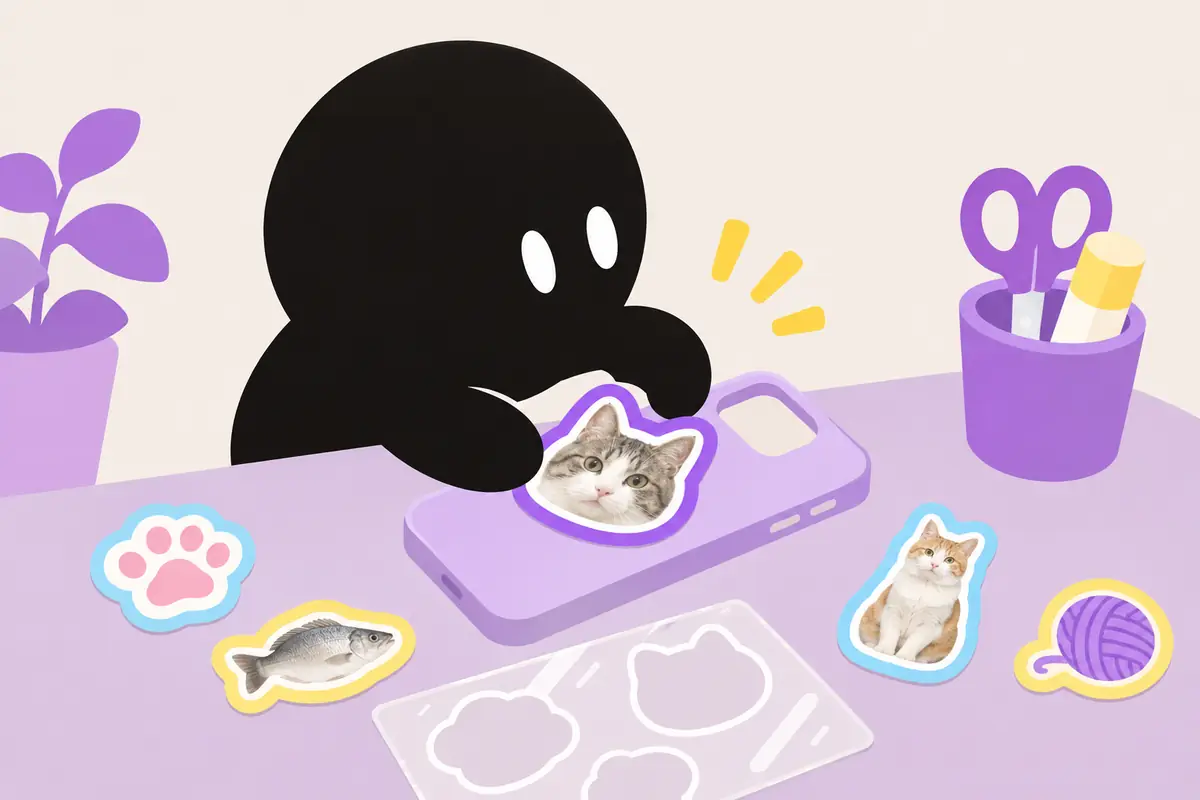
I've been making iPhone apps on my own since 2016, and 81 of them are on the App Store right now. I made Fuchidori!.
Published · Updated
I made Fuchidori!, and I wrote this article. The other two apps are by developers I don't know, and I haven't received money or anything else from them. Everything compared here comes from each app's App Store description and rating count as of November 15, 2026.
A white edge needs nothing but your iPhone
In the iPhone Photos app, press and hold on a person or object to lift it out of the photo. Add it as a sticker, then pick an effect to give it a white edge.
What you can't do is choose the outline color or width. If you want it in a favorite color, or thicker, that's where an app helps.
The three apps at a glance
All three cut out the subject on your phone without uploading your photo. The differences are how far you can play with the outline, and what else they do.
App
Ratings
Outline color and width
Beyond outlines
Pricing
Fuchidori! (my app)
16
Any color, 0 to 50 pt
Eyedropper to pick colors from a photo
3 free saves, then watch an ad to save. One-time purchase removes ads
Pick a photo and it automatically removes the background on your phone. For the outline color, choose from presets, make any color you like, or pick one straight from the photo with an eyedropper.
Width goes from 0 to 50 pt in 1 pt steps. It saves as a PNG with a transparent background, ready to use as a sticker or drop into another image. It doesn't need the internet, so it works offline too.
The free version gives you three saves to start, and after that you can save by watching an ad. A one-time purchase removes the ads.
This app is mainly about editing backgrounds, and it has 128 ratings. It can add a white edge for a sticker look, and you can fine-tune the edge width and shadow direction.
If several people are in a photo, you can tap the one you want to keep. It can also blur or replace backgrounds, process several photos at once, and edit video backgrounds. The Pro version is a one-time purchase.
Its standout is 132 outline styles. Besides a plain white line there are dashed lines, glows, stars, and hearts, all with adjustable width and color.
After the cutout, you can add backgrounds, text, and decals to finish it. Everything is processed on the iPhone. It offers monthly and yearly subscriptions. The description is in English only.
Which one to pick
If a white edge is enough, start with the iPhone Photos app
If you also want to blur or replace backgrounds, or edit video, Background Remover
If you want fun outline styles like stars and hearts, Photo Outline Maker
If you want an outline in any color and width, saved as a transparent PNG, Fuchidori!
FAQ
Are they free?
All three are free to download. Fuchidori! gives you three free saves, and after that you can save by watching an ad. Background Remover also lets you edit photos in its free version.
Do my photos get uploaded anywhere?
All three say in their descriptions that the cutout is processed on your phone.
Can I save with a transparent background?
All three can. Fuchidori! saves straight to a PNG with a transparent background.
Fuchidori! has 16 ratings so far. If you make something outlined in your favorite color, I'd love to see it 🎨
Features and rating counts were checked against each app's App Store description on November 15, 2026, and may change with updates. Making stickers in the iPhone Photos app requires iOS 17 or later.