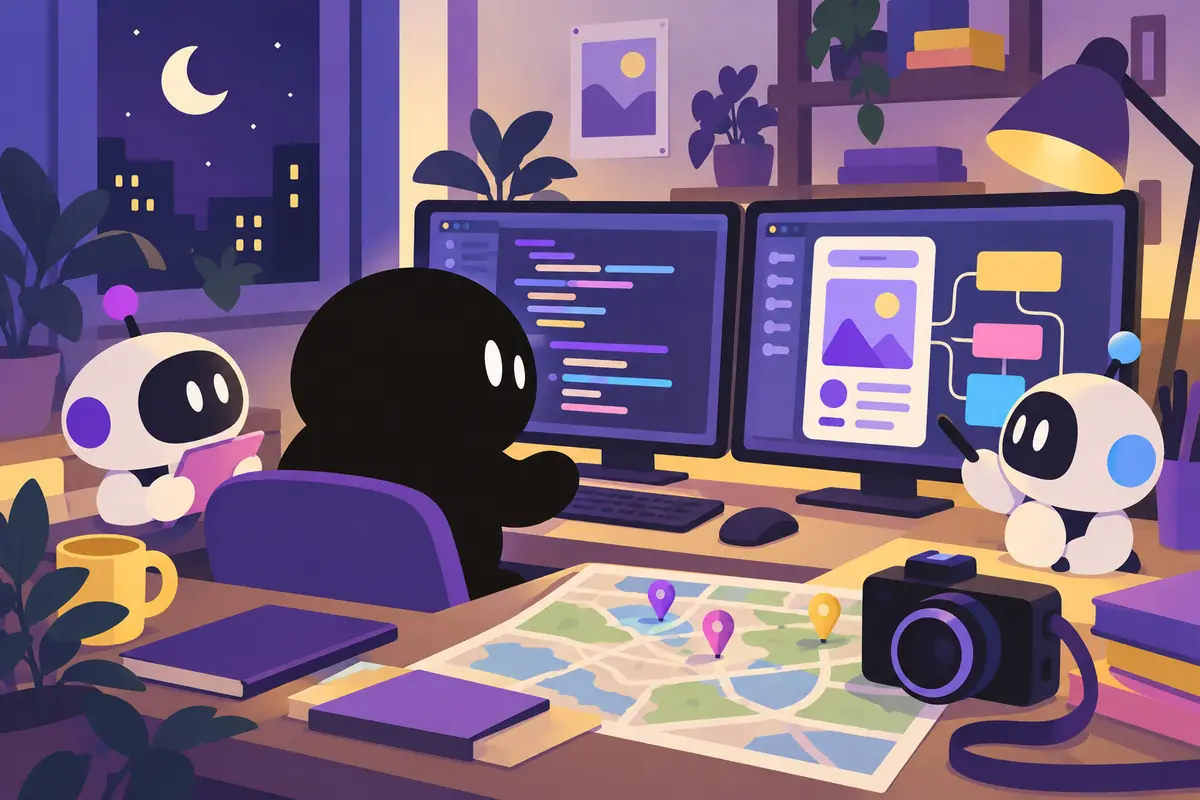
Daydream Camera - 空想旅行カメラ
こんにちは、ZOZOTOWNでiOSアプリエンジニアをしているtsuzuki817(@tsuzuki817)です。
今回は、地図上にピンを刺すだけで、その場所の緯度経度・天候・時間帯をAIが解釈し、風景写真を「現像」してくれるカメラアプリ Daydream Camera を、AIエージェントと共に開発した話をします。
「行きたい場所の風景を、AIが夢見てくれる」
そんなコンセプトで、フィルムカメラのような体験設計を採用した空想旅行アプリです。
プロダクト概要:空想旅行カメラとは?
Daydream Cameraは、地図上の任意の場所にピンを刺すだけで、AIがその場所の風景写真を「現像」してくれるアプリです。
- 地図で行きたい場所を選ぶ
- AIが緯度・経度、現地の天候、時間帯を解釈
- フィルムカメラのように「現像」を待つ
- 白昼夢のような風景写真が届く
まさに「空想で旅行できる」カメラアプリ。実際に行けない場所でも、AIの想像力で風景を楽しめます。
開発体制:AIネイティブアプローチ
今回の開発では、私は「ディレクター」として仕様決定に専念し、実装は2つのAIエージェントに委譲する体制を取りました。
開発チーム構成
- 私(ディレクター):仕様決定、最終レビュー、リリース判断
- Gemini(PM/デザイナー役):アイデア具体化、原価計算、ロゴ作成、ASO対策
- Claude Code(実装エンジニア役):Swift/SwiftUIコード自動生成、Firebase構築
AIエージェントと「3人」で開発する体制は、個人開発の限界を突破する新しいアプローチでした。
技術アーキテクチャ
採用パターン:MVVM + Protocol指向設計
SwiftUIのモダンな設計思想に沿って、MVVM + Protocol指向設計を採用しました。
主要技術スタック
iOS: 17+
UI: SwiftUI + @Observable マクロ
永続化: SwiftData
地図: MapKit (Look Around機能)
AI: Firebase AI (Gemini 3 Pro Image)
広告: AdMob
外部依存の最小化
外部ライブラリはFirebaseとAdMobのみに絞り、Keychainはセキュリティフレームワークで直接操作しています。
なぜ外部依存を最小化するのか?
個人開発では長期メンテナンスが重要です。外部ライブラリに依存すると、ライブラリの更新に追従し続ける必要があります。必要最低限の依存に抑えることで、メンテナンスコストを削減しています。
MapKitの選定理由:Look Around機能の活用
地図表示にはMapKitを選定しました。Google Mapsのストリートビューではなく、AppleのLook Around機能を採用した理由があります。
選定の決め手
- コスト面:Google Mapsのストリートビューは従量課金制で「個人開発がバズった際に赤字になるリスク」がある
- UX面:Look Aroundのアニメーションの浮遊感がアプリの「白昼夢」コンセプトと見事に合致
- 統合性:SwiftUIとの親和性が高く、実装がシンプル
結果として、コスト削減とUX向上の両方を実現できました。
セキュリティ実装:サーバーレスでも堅牢に
サーバーレス構成でも堅牢なセキュリティを実現するため、複数の対策を実装しました。
セキュリティ対策一覧
- Keychain暗号化保存:アプリ削除後もUUIDが復元され、BAN回避を防止
- Firebase App Check:App Attestトークン検証で不正アクセスを防止
- Remote Configベースの動的BAN機能:サーバーデプロイなしで特定ユーザーを即座に機能停止
- クライアント側サニティチェック:フィルム残数が上限超過時に自動リセット
Keychain暗号化保存の実装
UUIDをKeychainに保存することで、アプリを削除・再インストールしても同じユーザーとして識別できます。これにより、BANされたユーザーがアプリを再インストールして回避することを防いでいます。
Remote Configによる動的BAN
Firebase Remote Configを活用し、サーバーをデプロイすることなく、管理コンソールから即座に特定ユーザーの機能を停止できる仕組みを実装しました。不正利用を検知した際に迅速に対応できます。
マネタイズ設計:「待ち時間」の価値化
Daydream Cameraでは、「現像の待ち時間」を価値化するマネタイズ設計を採用しました。
マネタイズポイント
フィルムカメラのように「現像を待つ」体験設計により、その待ち時間にAdMobバナー広告を自然に表示。生成AIのAPIコスト償却を実現しています。ユーザー体験を損なわず、持続可能なビジネスモデルを構築しました。
「待つ」という行為自体をポジティブな体験に変換し、その間に広告を表示することで、ユーザーにとってもストレスの少ないマネタイズを実現しています。
開発から得た学び
AIエージェントとの開発を通じて、いくつかの重要な学びがありました。
1. 仕様の明文化が最重要
AIコード生成の効果を最大限に引き出すには、「仕様の明文化」(CLAUDE.md)とプロトコル設計の先行が不可欠です。曖昧な指示ではAIは期待通りのコードを生成できません。
2. セキュリティレビューは人間が担当
AIが生成したコードは効率的ですが、セキュリティ観点のレビューは人間が担当する必要があります。特に認証・認可、データの永続化、外部APIとの通信部分は念入りに確認しました。
3. プロトコル設計を先行する
実装に入る前にプロトコル(インターフェース)を定義しておくと、AIエージェントへの指示が明確になり、生成されるコードの品質が向上します。
Daydream Camera - 空想旅行カメラ
行きたい場所の風景を、AIが夢見てくれる。
フィルムカメラのような体験で、空想の旅を楽しもう。
App Storeでダウンロード
最後まで読んでいただき、ありがとうございました。
AIエージェントとの開発は、個人開発の新しい可能性を開いてくれます。ぜひ皆さんも挑戦してみてください。
Daydream Camera - a camera for daydream travel
Hi, I'm tsuzuki817 (@tsuzuki817), an iOS engineer at ZOZOTOWN.
This post is about building Daydream Camera together with AI agents. It's a camera app where you just drop a pin on a map, and AI reads that spot's latitude and longitude, weather and time of day, then "develops" a landscape photo for you.
"AI dreams up the scenery of the place you want to go."
That's the concept. It's a daydream travel app designed to feel like using a film camera.
The product: what is a daydream travel camera?
Daydream Camera is an app where you drop a pin anywhere on the map and AI "develops" a landscape photo of that place.
- Pick a place you want to go on the map
- AI interprets the latitude, longitude, local weather and time of day
- Wait for it to "develop", just like with a film camera
- A dreamlike landscape photo arrives
It really is a camera app that lets you travel in your imagination. Even places you can't actually visit, you can enjoy through the AI's imagination.
The team: an AI-native approach
For this project I focused entirely on deciding the spec, as the "director", and handed implementation to two AI agents.
The development team
- Me (director): deciding the spec, final review, release decisions
- Gemini (PM/designer): fleshing out ideas, cost calculations, logo, ASO
- Claude Code (implementation engineer): generating Swift/SwiftUI code, setting up Firebase
Building as a "team of three" with AI agents was a new approach that broke through the limits of solo development.
Technical architecture
Pattern: MVVM + protocol-oriented design
Following SwiftUI's modern design philosophy, I went with MVVM and protocol-oriented design.
Main tech stack
iOS: 17+
UI: SwiftUI + @Observable macro
Persistence: SwiftData
Maps: MapKit (Look Around)
AI: Firebase AI (Gemini 3 Pro Image)
Ads: AdMob
Keeping external dependencies to a minimum
The only external libraries are Firebase and AdMob. I work with the Keychain directly through the Security framework.
Why minimize external dependencies?
When you build alone, long-term maintenance matters. Depending on external libraries means you have to keep up with every update they ship. Keeping dependencies to the bare minimum cuts my maintenance cost.
Why MapKit: making use of Look Around
I chose MapKit for the map. There were reasons I went with Apple's Look Around instead of Google Maps Street View.
What decided it
- Cost: Google Maps Street View is pay-as-you-go, so there's a "risk of going into the red if an indie app goes viral"
- UX: the floating feel of the Look Around animation fits the app's "daydream" concept perfectly
- Integration: it works well with SwiftUI, so the implementation stays simple
In the end I got both lower costs and a better UX.
Security: solid even without a server
To keep security solid with a serverless setup, I put several measures in place.
Security measures
- Encrypted storage in the Keychain: the UUID is restored even after the app is deleted, which stops people from dodging a ban
- Firebase App Check: App Attest token verification blocks unauthorized access
- Dynamic bans driven by Remote Config: I can instantly cut off features for a specific user without deploying a server
- Client-side sanity checks: the remaining film count resets automatically if it ever goes over the limit
Encrypted storage in the Keychain
Because the UUID lives in the Keychain, the app can recognize the same user even after it's deleted and reinstalled. That keeps banned users from getting around the ban by reinstalling.
Dynamic bans with Remote Config
Using Firebase Remote Config, I built a way to instantly turn off features for a specific user from the console, with no server deploy. When I spot abuse, I can respond right away.
Monetization: giving the "wait" value
Daydream Camera's monetization is designed around giving the "wait while it develops" real value.
Where the money comes from
Because the experience is built around "waiting for your film to develop", an AdMob banner fits naturally into that wait. That's how I cover the API costs of generative AI. It's a sustainable business model that doesn't hurt the user experience.
By turning the act of waiting itself into something positive and showing ads during it, the monetization stays low-stress for users too.
What I learned
Building with AI agents taught me a few important things.
1. Writing the spec down matters most
To get the most out of AI code generation, writing the spec down (CLAUDE.md) and designing the protocols first are essential. With vague instructions, AI can't produce the code you expect.
2. A human handles the security review
AI-generated code is efficient, but the security review has to be done by a human. I was especially careful checking authentication and authorization, data persistence, and communication with external APIs.
3. Design the protocols first
Defining the protocols (interfaces) before starting implementation makes your instructions to AI agents clearer and improves the quality of the code they generate.
Daydream Camera - a camera for daydream travel
AI dreams up the scenery of the place you want to go.
Enjoy a daydream trip that feels like shooting on film.
Download on the App Store
Thanks for reading all the way to the end.
Building with AI agents opens up new possibilities for indie development. Give it a try yourself.