I've been making iPhone apps on my own since 2016, and 81 of them are on the App Store right now. I made Oshi Island.
Published · Updated
I made Oshi Island, and I wrote this article. The other three apps are by developers I don't know, and I haven't received money or anything else from them. Everything compared here comes from each app's App Store description and rating count as of November 15, 2026.
The four apps at a glance
The real difference is what you can put in the Dynamic Island. A ready-made pet you look after, a photo of your own, or a character you draw yourself.
App
Ratings
What it shows
Make your own
Free
Oshi Island (my app)
83
Your pixel-art fave, with lines of dialogue
Yes. Draw it, or convert a photo
One character at a time
Pixel Pet Widget
163
10 kinds of pets
Not mentioned. You pick from the pets provided
Unlocking every pet is a subscription
petsum
0
Photos of your own pet
Cut out from a photo
New photos up to 5 times, then a one-time purchase
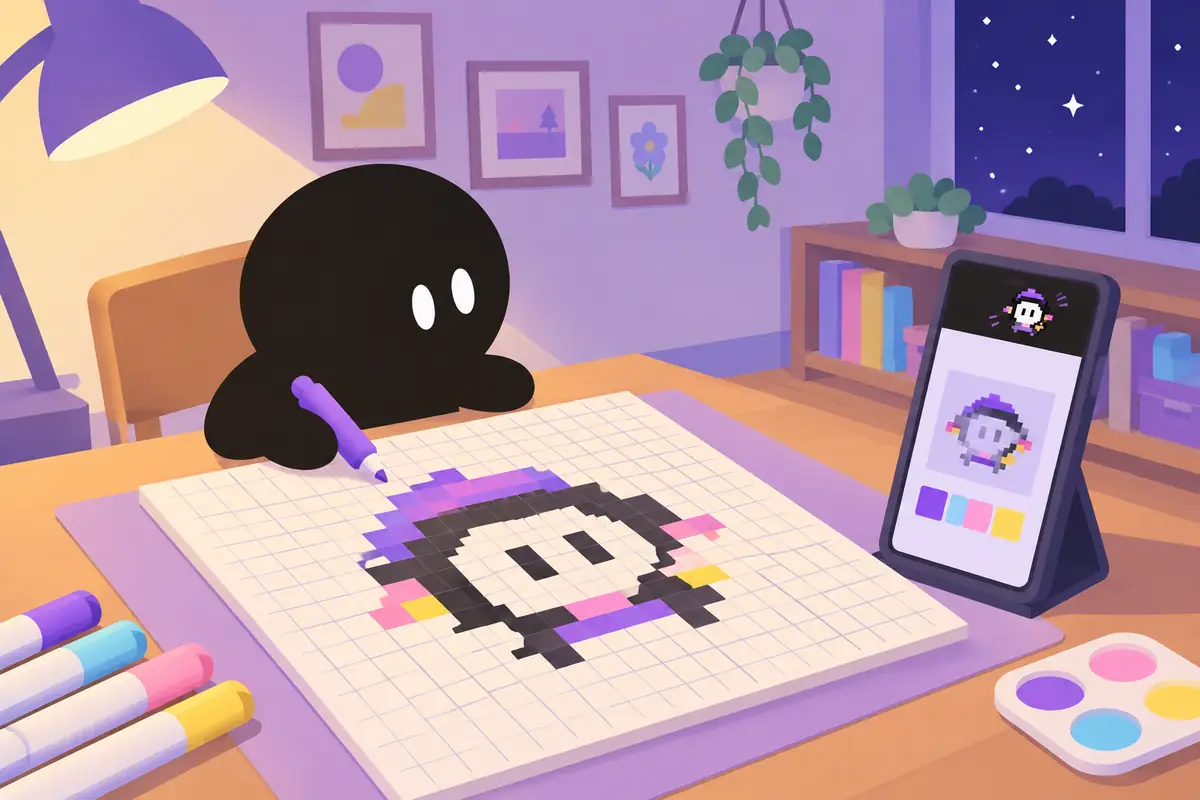
This app turns your fave into pixel art and lets them live in the Dynamic Island. You can draw the pixel art square by square in the built-in editor, or pick a photo and convert it.
Add frames and your fave starts to move. Add some lines of dialogue and they say a little something too.
iPhone ends a Live Activity after eight hours at most. Oshi Island sends a notification with your fave's picture shortly before that happens, and puts the same character back when you open the app.
One character is free. Putting two on the left and right, automatic iCloud backup, and changing the app icon or theme are part of the Super Oshi plan. For photo conversion, changing the grid size or adding animation is also part of the plan.
With 163 ratings, this is the most used of the four. You choose from 10 ready-made pets, then feed them and exercise them to keep them happy.
They show up on the Lock Screen and in the Dynamic Island, so you can check on them all day. Every pet is available with a monthly or yearly subscription.
It finds your pet in a photo you took and cuts it out from the background. You can fix the cutout with cropping and an eraser.
It also shows the name and a short line that changes with the time of day. Showing a new photo in the Dynamic Island is free five times, and after that it is a one-time purchase. There is no subscription.
It takes any image from your photo library and puts it in the Dynamic Island. The description is short, and the steps are just picking an image and swiping to set it.
The description doesn't mention animation or any paid features.
Which one to pick
If you want to raise a ready-made pet, Pixel Pet Widget
If you want your own pet's photo up there, petsum
If one image is all you need, Island Image
If you want to draw your fave in pixel art and make them move, Oshi Island
FAQ
Are they free?
All four are free to download. Oshi Island is free for one character, and showing two is part of the paid plan.
Why does my character disappear after a while?
iPhone ends a Live Activity after eight hours at most. Oshi Island tells you before that happens and brings your character back when you open the app.
Does it work on Android?
Oshi Island has an Android version on Google Play. The Dynamic Island is an iPhone feature, so where your character appears isn't the same as on iPhone.
I'd love to see what kind of faves people have riding around in their Dynamic Island 😊
Features and rating counts were checked against each app's App Store description on November 15, 2026, and may change with updates. Check whether your iPhone has a Dynamic Island before you install.