I've been making iPhone apps on my own since 2016, and 81 of them are on the App Store right now. I made Oshi Clock.
Published · Updated
I made Oshi Clock, and I wrote this article. The other three apps are by developers I don't know, and I haven't received money or anything else from them. Everything compared here comes from each app's App Store description and rating count as of November 15, 2026.
The four apps at a glance
All four put a photo of your fave next to the time. The difference is where the photo sits and when it changes.
App
Ratings
How photos appear
Home Screen widget
As a desk clock
Oshi Clock (my app)
0
A different photo for each hour and minute digit, flipping as the time changes
Small is free. Medium, large, and extra large with a one-time purchase
Full-screen clock, night mode, StandBy
FanClock
9
In a little window beside the clock, with a message for each hour
Not mentioned
Not mentioned
OshiClock
2
Changes by time of day, such as morning, noon, and night
Small and medium are free. Large with the one-time Pro
StandBy
OshiClock Workday
1
One photo in the background, with the clock in your fave’s color
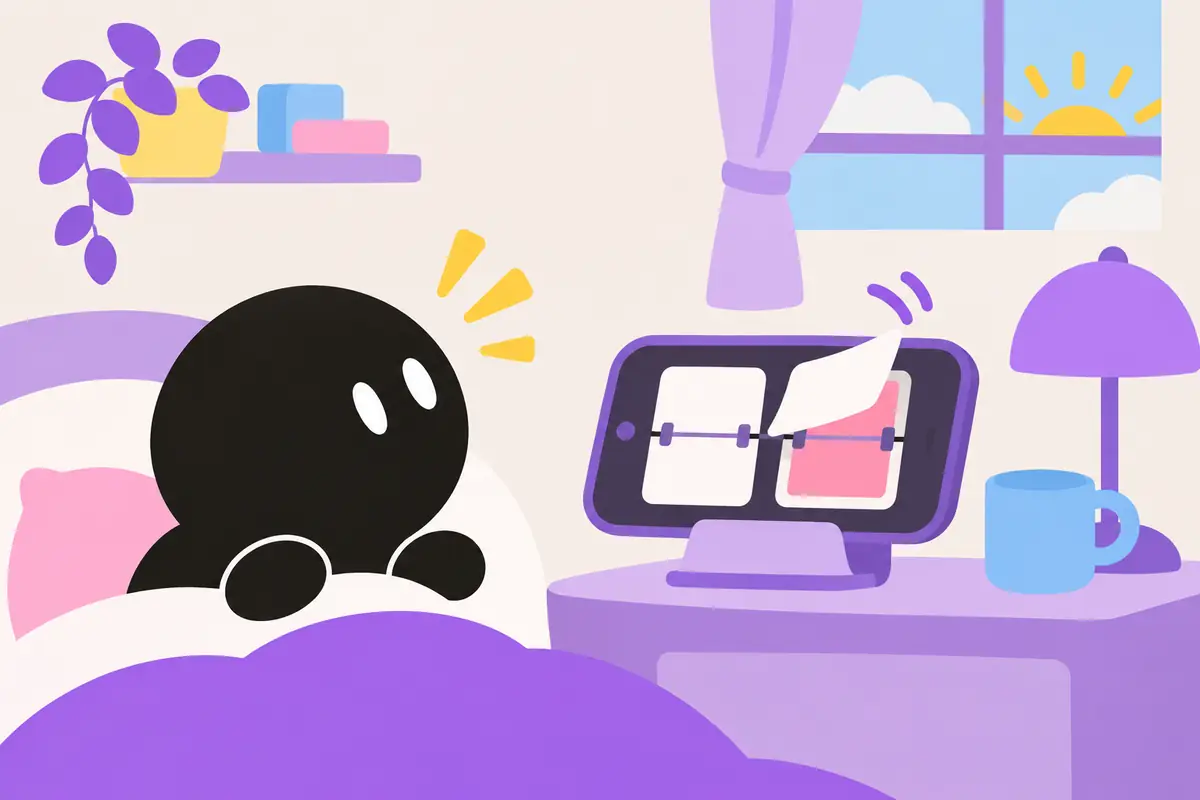
It's a split-flap clock, like the boards at train stations and airports. You can give every minute digit from 00 to 59 and every hour from 00 to 23 its own photo of your fave. Each time the time changes, a card with the photo and the number flips over.
Next to the clock you can add a photo slideshow, a flipping message, and a countdown to your next show. Set your iPhone sideways while it charges and it shows up in StandBy. Photos stay on your device, and there's no account to sign up for.
The free version gives you one board and up to five photos. Using the same photo on any number of digits still counts as one. No limits, widgets larger than small, extra flip sounds and textures, and hourly chimes come with the Super Oshi Clock plan. It is a one-time purchase, not a subscription. There is also an Android version on Google Play.
Your fave peeks out from a little window next to the clock. You can add as many faves as you like, so an anime character and an idol can share the space.
You can set a message for each hour, like good morning in the morning and good night at night. There is also a timer for studying or working out.
This one is built around Home Screen widgets. Set a photo and a short line for each part of the day, and it switches on its own. It finds the face in your photo and keeps the time from covering it.
It can also count down to a show or a birthday. Unlimited time slots, the large widget, and showing the time until the show starts in the Dynamic Island are part of Pro, a one-time purchase.
It sets a photo of your fave as the background behind a digital clock in your fave's color. It shows how long until work starts, lunch, and the end of the day, so it suits workdays.
It also counts down to your next event and counts days since an anniversary. The description says there is a banner ad at the bottom of the screen.
If you'd rather not install an app
You can put a Photos widget and a Clock widget side by side on your Home Screen. Both come with your iPhone.
The photo and the time stay in separate boxes, though. If you want a different photo for each number, or a different fave for each part of the day, an app does it better.
Which one to pick
If you want a message from your fave every hour, FanClock
If you want your Home Screen widget to change faves through the day, OshiClock
If you want to watch the workday tick down with your fave, OshiClock Workday
If you want a desk clock that shows a different photo each time a digit flips, Oshi Clock
FAQ
Are they free?
All four are free to download. Oshi Clock and OshiClock unlock more photos or larger widgets with a one-time purchase.
Can I use photos of something other than a fave?
Oshi Clock and OshiClock both say in their descriptions that pets and family photos work too.
Can I use it as a bedside clock?
Oshi Clock has a full-screen clock mode and a dim night mode. OshiClock also works as a desk clock in StandBy.
Oshi Clock has no ratings yet. If you put it on your desk, I'd love to hear how it's going 🙏
Features and rating counts were checked against each app's App Store description on November 15, 2026, and may change with updates. Use photos you took yourself or that you're allowed to use personally.