I've been making iPhone apps on my own since 2016, and 81 of them are on the App Store right now. I made Matchbox.
Published · Updated
I made Matchbox, and I wrote this article. The other three apps are by developers I don't know, and I haven't received money or anything else from them. Everything compared here comes from each app's App Store description and rating count as of November 15, 2026.
The four apps at a glance
All four use iPhone's Screen Time system to stop you from opening the apps you pick. The real difference is whether you can undo it yourself partway through.
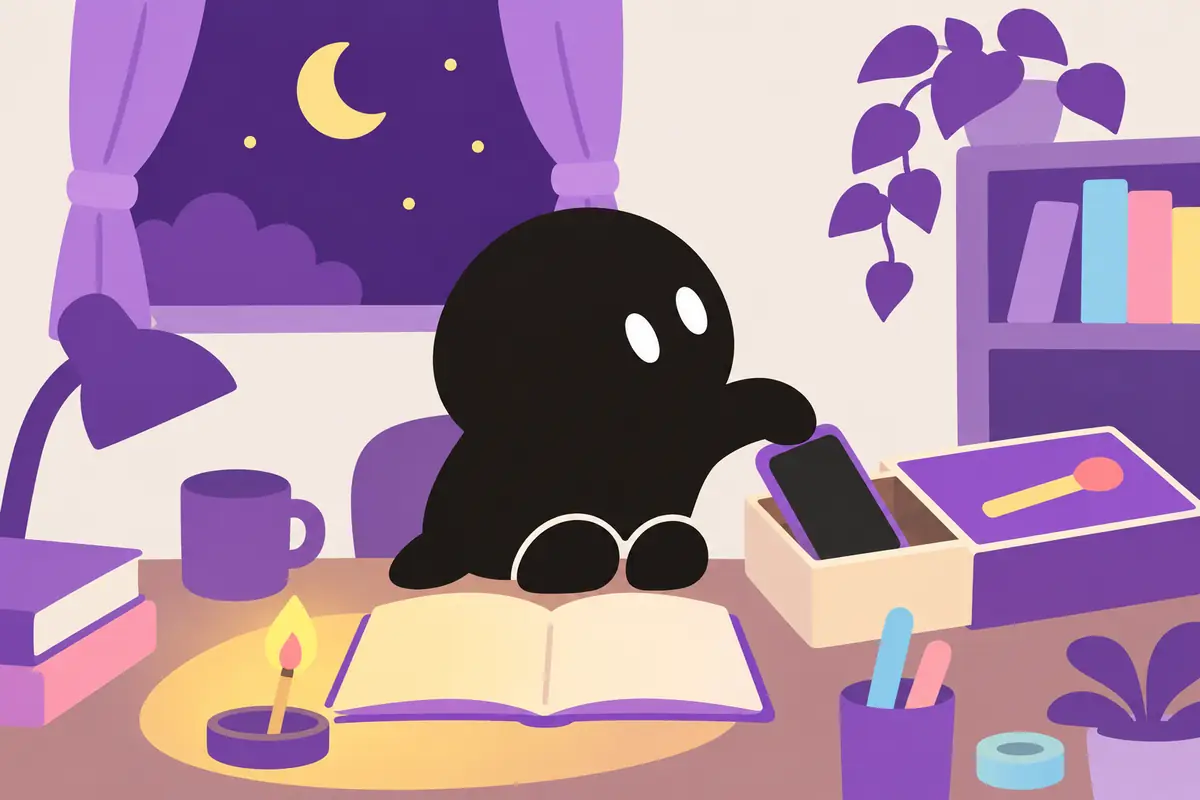
Strike the match on screen to light it, and the apps you picked stay blocked only until it burns out. You can choose 5, 10, or 25 minutes, or any length you like.
If you want to stop, blow hard into the mic and the flame goes out, and your apps come back. Since you can put it out yourself, it's the least strict of the four. In exchange, it's made to be something you don't mind lighting.
App blocking is free. Habit tracking covers 2 habits for free, and more matchbox designs and backgrounds are Premium.
It locks your phone for the time you set, and you can't unlock it yourself. The description says plainly that it's made for people who end up turning off their own Screen Time limits.
It has both instant locks and daily scheduled locks. You can leave apps like a dictionary or music available during a lock. There's a subscription, but the description doesn't say how much you can use for free.
With 19,832 ratings, it's the most used of the four. It can block apps automatically every day by time of day, like 9 p.m. to midnight, or by daily usage, like 2 hours. The instant block also works like a Pomodoro timer.
Lockout mode, which makes unlocking impossible, and Timeout mode, where the wait gets longer each time you try, are part of the paid Blockin MAX.
Its Paperweight mode has no unlock button, and the block stays on even if you close the app or restart your phone. I like that it honestly notes you can still remove it from Screen Time in the iPhone Settings.
Normal mode, which you can end anytime, and your history are free. Paperweight mode is free for 5 uses, then a one-time purchase. There are no ads.
If you'd rather not install an app
Screen Time in the iPhone Settings can already set time limits per app and downtime on its own. The catch is that anything you set up, you can also turn off.
If you'd rather lock it away physically, there are phone lock boxes that won't open until a timer runs out. Just leaving the phone in another room does the same thing.
Which one to pick
If you keep turning off your own Screen Time limits, DetoxLock
If you want apps blocked automatically every night or after a daily limit, Blockin
If you want no ads and a hard lock only when it really counts, Bunchin
If you want a block that lasts one match, plus a simple habit count, Matchbox
FAQ
Are they free?
All four are free to download. Matchbox's app blocking is free, and Bunchin's normal mode is free. The descriptions for DetoxLock and Blockin don't say what the free version includes.
Can I still take calls or use messaging apps during a block?
In every app, you choose which apps to block. DetoxLock says you can keep certain apps available, and Bunchin says some apps, like phone and messages, stay open.
Do they work on Android?
Matchbox also has an Android version on Google Play. I didn't check Android versions of the other three for this article.
Matchbox doesn't have any ratings yet, so after you've burned your first match, I'd love to hear what you think 🔥
Features and rating counts were checked against each app's App Store description on November 15, 2026, and may change with updates. Matchbox's features were checked against the app's own code.